What You’ll Learn
- How to approach building systems that exceed “what one person can maintain”
- Overview of complex multi-tenant system design
- Automation strategy to achieve zero manual testing
Introduction
“Don’t build what you can’t maintain alone.”
I believe this is a fundamental rule of solo development. But I wanted to challenge that limit.
After using AI coding agents (Claude Code, GitHub Copilot, etc.) in production for several months, I started thinking, “Maybe I can build something complex on my own.” But there’s a condition: thorough automation.
In this blog, I’ll document the development of “Saru,” a multi-tenant subscription management system. I’ll share what I automated and how I designed it to build a complex system as a solo developer.
Why Challenge “Unmaintainable Complexity”?
- I want to build something “serious” with AI coding agents, not just “simple stuff”
- I want to test how far automation can take me against systems normally impossible for one person
- Even if I fail, it’s a learning experience. If I succeed, it becomes reproducible know-how
Saru’s Complexity
4-Tier Account Structure
Typical SaaS has 2 tiers: “Admin → User.” Saru has 4.
| Tier | Role | Description |
|---|---|---|
| System | Platform Management | Oversees everything |
| Provider | Service Provision | Provides SaaS and products |
| Reseller | Sales Agency | Sells Provider’s services |
| Consumer | Purchase & Use | Purchases subscriptions |
Additionally:
- Resellers with PROVIDE capability can offer their own services
- Consumers with PROVIDE capability become Creators (individual entrepreneurs)
This flexibility is both the source of complexity and a differentiating point.
4 Portals × 4 APIs
Each tier has its own dedicated frontend and API.
| Portal | API | Ports |
|---|---|---|
| System Portal | system-api | 3001 / 8080 |
| Provider Portal | provider-api | 3002 / 8081 |
| Reseller Portal | reseller-api | 3003 / 8082 |
| Customer Portal | customer-api | 3004 / 8083 |
Portals are separated by dynamic subdomains (e.g., provider-xxx.example.com)
Other Complexities
- Authentication: Keycloak integration, WebAuthn passkeys, OTP authentication, portal session isolation
- Data Isolation: Multi-tenant isolation via PostgreSQL Row-Level Security (RLS)
- Permission Control: Capability model (CONSUME/PROVIDE/RESELL/ADMINISTER)
Automation Strategy: Zero Manual Testing
To maintain this complexity solo, I adopted a policy of completely eliminating manual testing.
E2E Testing (Playwright)
- WebAuthn (passkey) authentication testing is also automated
- Executable in CI environments using virtual authenticators
- Covers major flows across all portals
CI/CD
- Self-hosted GitHub Actions Runner (on WSL2)
- Automatic E2E test execution on PR creation
- Lint (ESLint, golangci-lint) & type checking (TypeScript)
Development Flow
Using Claude Code’s speckit workflow, I consistently perform specification → design → implementation → verification.
/speckit.specify (Create specification)
    ↓
/qa.verify-spec (Verify specification) ← Run after specification
    ↓
/speckit.clarify + Expert verification (Resolve ambiguities)
    ↓
/speckit.plan (Design planning)
    ↓
/qa.verify-design (Verify design) ← Run after design
    ↓
/speckit.tasks (Generate tasks)
    ↓
/speckit.analyze (Check consistency) ← Always run before implementation
    ↓
/speckit.implement (Implementation)
    ↓
/qa.verify-* (Various verifications)
    ↓
Test → Lint → Commit → PR → CI
Tools by Phase
By deciding which tools to use for each phase, I prevent oversights.
| Phase | Supporting Tools |
|---|---|
| Specification | Context7, Tavily, Sequential Thinking |
| Clarification | backend-architect, security-engineer |
| Design Planning | backend-architect, Context7 |
| Task Generation | Serena, Sequential Thinking |
| Consistency Check | Serena, Codex |
| Implementation | Serena, security-engineer |
Verification Commands
Specification & Design Verification:
| Command | Timing | Purpose |
|---|---|---|
/qa.verify-spec | After specify | Verify specification (requirement coverage, feasibility, contradictions) |
/qa.verify-design | After plan | Verify design (architecture validity, consistency with existing patterns) |
Post-Implementation Verification:
/qa.verify-impl → /qa.verify-test → Test → Lint → Commit → PR → CI
| Command | Purpose |
|---|---|
/qa.verify-impl | Verify implementation code (design consistency, code style, security) |
/qa.verify-test | Verify test code (coverage, test patterns) |
/qa.verify-migration | Verify DB migrations (Up/Down consistency, RLS, indexes) |
/qa.verify-rls | Verify RLS policies (tenant isolation, cross-access prevention) |
/qa.verify-api | Verify API design (REST design, authentication, error handling) |
Problem Investigation:
| Command | Purpose |
|---|---|
/qa.investigate | Multi-faceted investigation (using MCP, expert agents, sub-agents) |
Tech Stack
| Area | Technology |
|---|---|
| Frontend | Next.js 14 (App Router), TypeScript, TanStack Query, shadcn/ui |
| Backend | Go, Echo, sqlc |
| Database | PostgreSQL with Row-Level Security |
| Auth | Keycloak |
| Test | Playwright (E2E), WebAuthn Virtual Authenticator |
| CI/CD | GitHub Actions (Self-hosted Runner) |
Screenshots
System Portal Login Screen
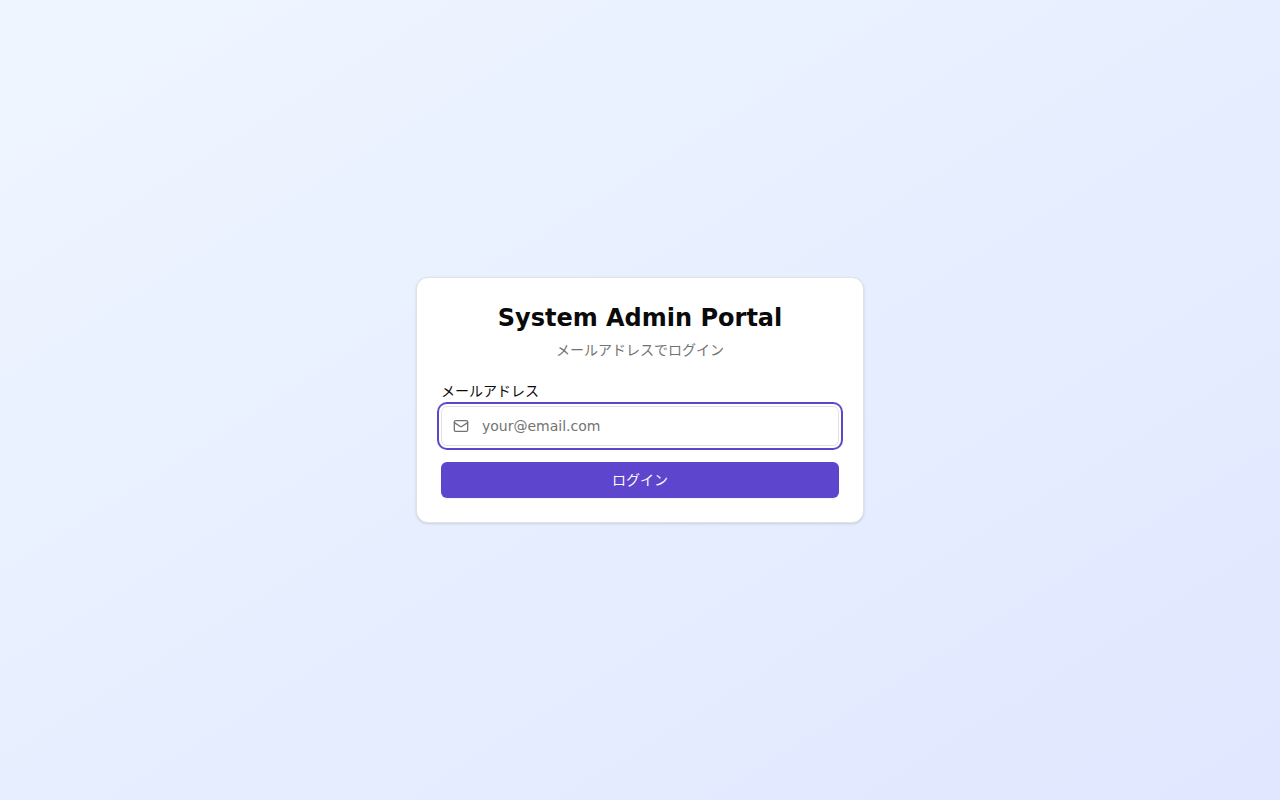
Enter your email address and send an OTP.
OTP Input Screen
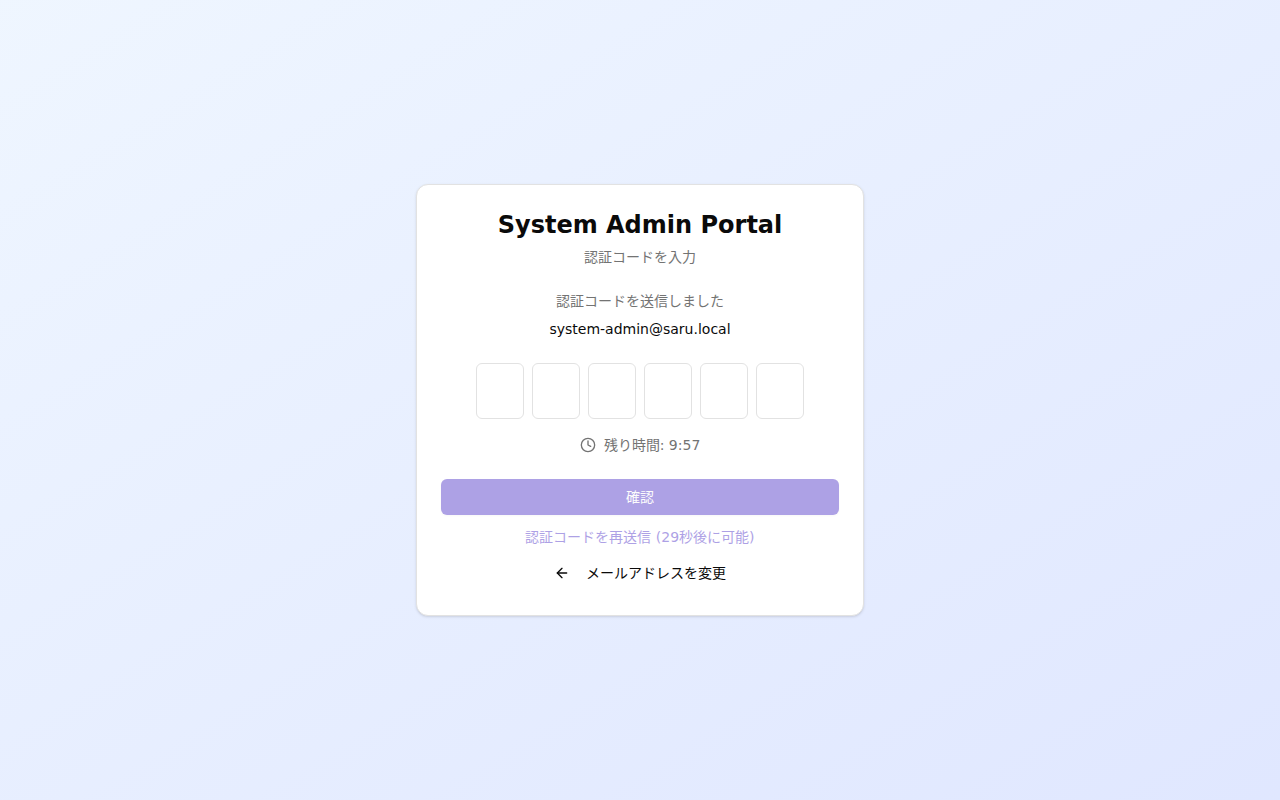
Enter the 6-digit one-time password to authenticate.
Provider Portal Signup Screen
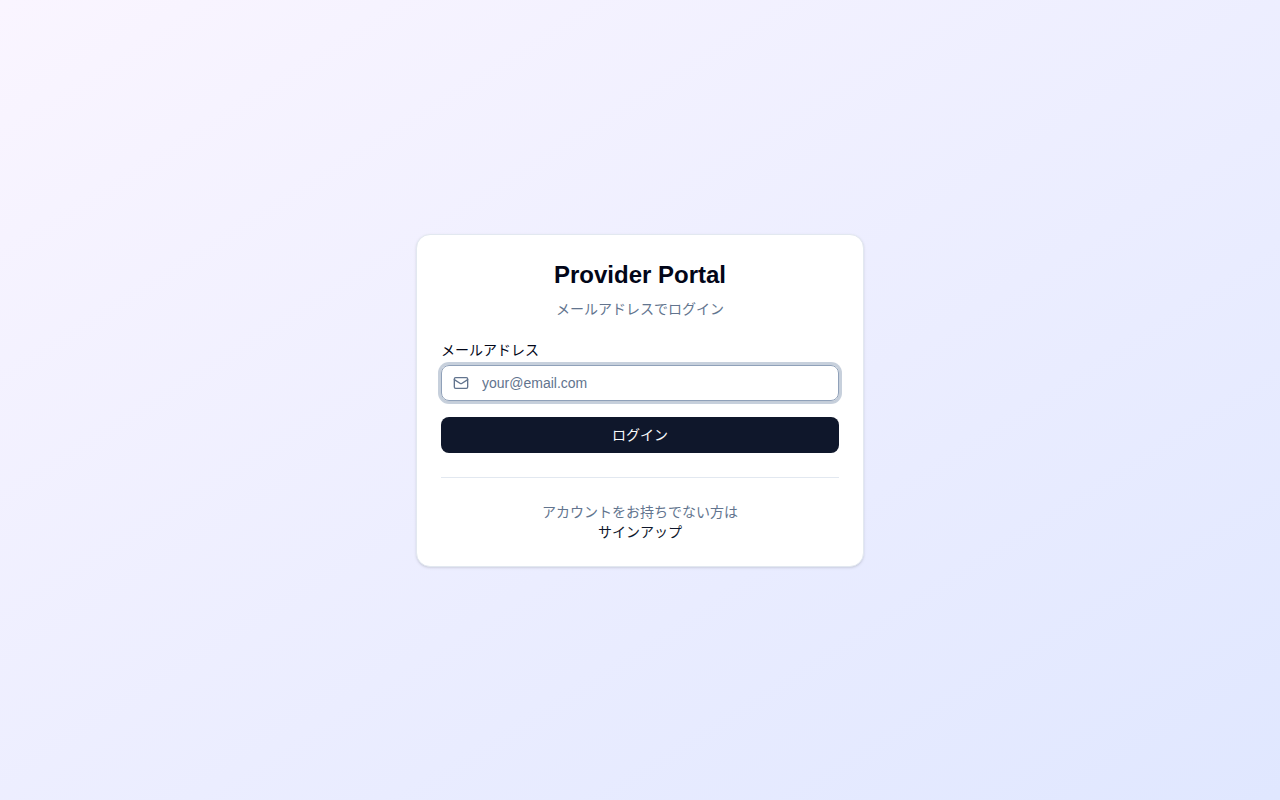
Screen for registering as a new service provider.
Features Implemented So Far
- Basic UI for all 4 portals
- Basic endpoints for all 4 APIs
- Keycloak authentication integration (WebAuthn + OTP)
- Account & User CRUD
- Data isolation via RLS
- Permission control via Capability model
- Playwright E2E tests (WebAuthn-compatible)
- CI/CD pipeline
Future Plans
- Internationalization (i18n)
- Multi-currency support
- Subscription management features
- Payment integration (Stripe, etc.)
- Automatic provisioning via Webhook integration